---
title: "AI on Roblox"
url: /docs/en-us/ai/accelerated-workflows
last_updated: 2026-06-19T03:26:09Z
description: "Learn how to accelerate your creation workflows with AI."
---
# AI on Roblox
AI on Roblox
From ideas to published games, faster than ever
Move faster with tools that help you script, build, and generate assets, while having full control over creative decisions.
[Download Studio](https://www.roblox.com/download/studio) [See how to create](#watch-and-learn)
Bring your own client
Roblox Studio
1 Enable AI features Enable MCP and AI features in Studio.▸
Open **Assistant** → **…** → **Manage MCP Servers** and switch on the **Enable Studio as MCP server** toggle.
Open **File → Beta Features** and turn on the features you want. Features that are generally available are always available by default.
2 Connect your client Let your MCP-enabled tools interact with Studio.▸
Point your MCP-aware client at the Studio [MCP server](/docs/en-us/studio/mcp.md#connect-your-client). When connected, your client can read the data model, create and run scripts, edit instances, playtest, and more.
3 Build your first game Plan and build your first game using your favorite coding harness.▸
Download the starter project that contains LLM-friendly markdown files for context and have your first game ready in minutes.
4 Customize your setup Build with community and professional tools.▸
With [Rojo and Git](/docs/en-us/projects/external-tools.md), you can build and version control your Roblox projects via the file system. Use [tools](/docs/en-us/art/overview-dcc.md) like Blender and other DCC apps to round out your creation workflow.
1 Enable AI features We're always adding new beta features, so make sure they're enabled.▸
Open **File → Beta Features** and turn on the features you want. Features that are generally available are always available by default.
2 Prompt the Assistant Describe what you want in the Assistant panel.▸
Tell Assistant to build 3D objects, write and run Luau, generate meshes and materials, and playtest alongside you.
3 Build your first game Learn core concepts and build an obby with the Assistant.▸
Our [core curriculum](/docs/en-us/tutorials/curriculums/core.md) teaches you the basics of building, scripting, and polishing an obby game using the Assistant as your trusted companion.
4 Customize your setup Bring your own API keys to use the model you prefer.▸
Open **Assistant** → **…** → **Manage API Keys** to configure your preferred model from Anthropic, OpenAI, or Google.
Watch and Learn
See how to accelerate your creation workflows
Follow along with resources from the Roblox team that show how to set up AI workflows and recently released features.
×
×
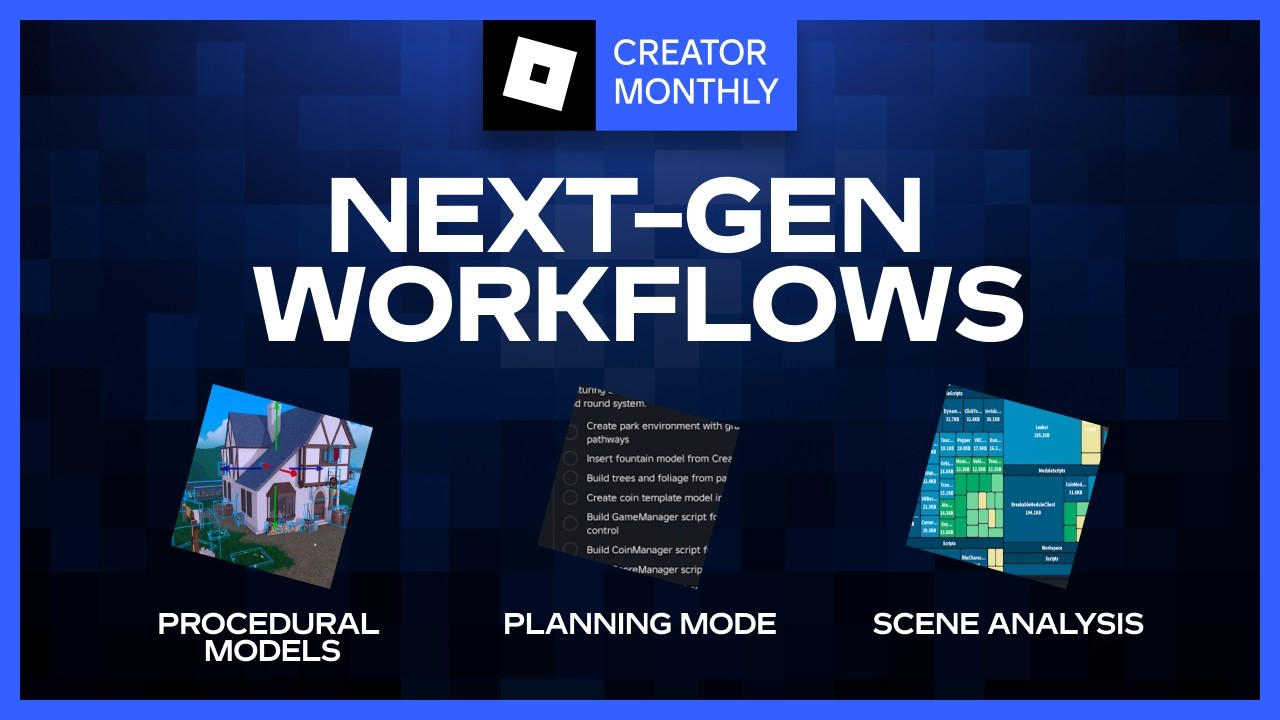
×
[Build with a coding harness](/docs/en-us/ai/build.md) [Build with the Assistant in Studio](/docs/en-us/tutorials/curriculums/core.md)
3D and AVATAR CREATION
Generate 3D content from a phrase
Turn a text prompt into a wide array of 3D content that you can drop right into Studio.
[Procedural models
Generate 3D models that automatically adjust to customizable attributes you define.](/docs/en-us/parts/procedural-models.md) [Interactive 3D models
Through text prompts and preset schemas, let your players generate both interactive 3D models in your game, such as vehicles that drive, planes that fly, and weapons that shoot.](/parts/model-generation) [Avatar Auto-Setup
Automatically rigs, cages, and segments 3D models into fully functional, animatable Roblox avatars.](/avatar-setup/auto-setup) [Mesh generation
Describe what you need in Assistant or with an MCP command and get a textured `MeshPart`.](/assistant/guide#generate-meshes) [Material generator
Seamless, tiling 2D images that can be saved as `MaterialVariants`, ideal for large surfaces like terrain, floors, and walls.](/studio/material-generator) [Texture generator
Smart, context-aware textures that understand the geometry of your mesh to apply realistic patterns and wear.](/studio/texture-generator) NATURAL LANGUAGE APIs Process text and speech in real time Bridge the gap between text and voice, enabling more immersive social interactions and dynamic storytelling. ##### Text-to-speech Turn written text into spoken audio at runtime with `AudioTextToSpeech`, whether for narration, UI prompts, or giving your characters a voice. ##### Speech-to-text Capture what players say through their microphone and turn it into text for voice commands, chat, or captions. ##### Text generation Use large language models (LLMs) to power dynamic NPC dialogue. All generated text must be processed through the `TextService:FilterStringAsync()` method. DEVELOPMENT ASSISTANCE Develop faster with coding and debugging tools Keep your momentum while you code. These tools meet you wherever you work, from quick help in the script editor to an agent you can drive from your own editor. ##### Code Assist Get real-time code completions with suggestions based on the context of your script and comments.  ##### Assistant A conversational partner in Roblox Studio that can run and write code, generate materials, meshes, and models, simulate virtual inputs, and playtest your game.  ##### Studio MCP server Connect any MCP client to your open Studio session, then read, edit, and playtest your place from wherever you work. Policies and guidelines We value your safety and privacy Roblox's AI tools are built with creator trust in mind. You remain in control of how your work and data are used, and every generation runs through the same moderation and [Community Standards](https://about.roblox.com/community-standards) that apply to the rest of the platform. Review the guidelines below to understand your responsibilities as a creator and to configure how your assets contribute to model training. ##### Safety best practices Generative AI accelerates creation, but you are responsible for the content generated within your experiences. Follow these guidelines to stay compliant with Roblox Community Standards. ##### Data and privacy Roblox is committed to transparency about how creator data is used for AI training. Manage your data sharing preferences on Creator Hub.